
South Rim
- Cat Calhoun
- Apr 16, 2012
- 3 min read
Did we do the full hike to the bottom? Um. . . no. But we had a lovely walk around the edge and did take the trail down for a while. The views are so dramatic. It is theoretically possible to take a bad photograph at the Grand Canyon (I can prove it), but it's so beautiful that it's difficult.
I'm going to use this post to give a small window into my photographic mind and my creative process. If these ideas are new to you and you want to know more, give me a shout. I'm happy to talk to you about it.

Hint for good landscape photographs? Shoot in the "golden hours." These are the hours just before and just after sunset and sunrise when the light is low on the horizon and looks very gold. This gives you beautiful coloring in your photos.


Shot at "golden hour" but you see the blues starting to pop out of the landscape. Most of the land is actually a kind of orange color. You can still see this where the sun is hitting the land, but the shadows are starting to look blue. Why is that? It's the rule of complimentary colors. Blue is the color directly across the color wheel from orange. Shadows of an object will take on the complimentary color of their object, so in this case the orangeness of the land is shadowed in blue. Kind of a neat thing to know.

Late afternoon light also gives dramatic shadows as well. I love the visual shadow echo this ridge leaves on the opposite cliff. Note that late afternoon light in a mountainous area is often earlier on the clock that flatlanders like me realize. In this case I think it was about 3pm when I took this, so technically late afternoon light, but not if you're looking at your watch.

Shooting something in the foreground in focus and allowing a dramatic background like this to be slightly out of focus is another way of visually telling a story with your camera.
What if you're using your cell phone camera? How do you get an effect like this? Some cell phone cameras will do it. That's what the "portrait" mode on iPhones does. If yours won't do it reliably, you can also use something like Snapseed, a nice little free app that lets you "paint" the areas you want to make blurry.
As a matter of fact, get Snapseed. Works on iPhones, Adroids, IPads, and tablets. It's awesome and has some great image editing (sharpening, blurring, changing exposure, increasing/decreasing saturation, fixing red eye and spots, etc) and special effects (like Instagram but way better). You're welcome!
If you do have a focusable lens and you can manipulate the F-stop, you can use a wide open setting (in this case it was F3.2) and a fast shutter speed.

After I shot that last one I realized I really like the whole look of the tree and the environment behind it too, so I shot it again with the background in focus and encompassing more of the tree. I set my shutter speed lower for this one because the F-stop was set to F11. That gets everything in focus instead of blurring the background.
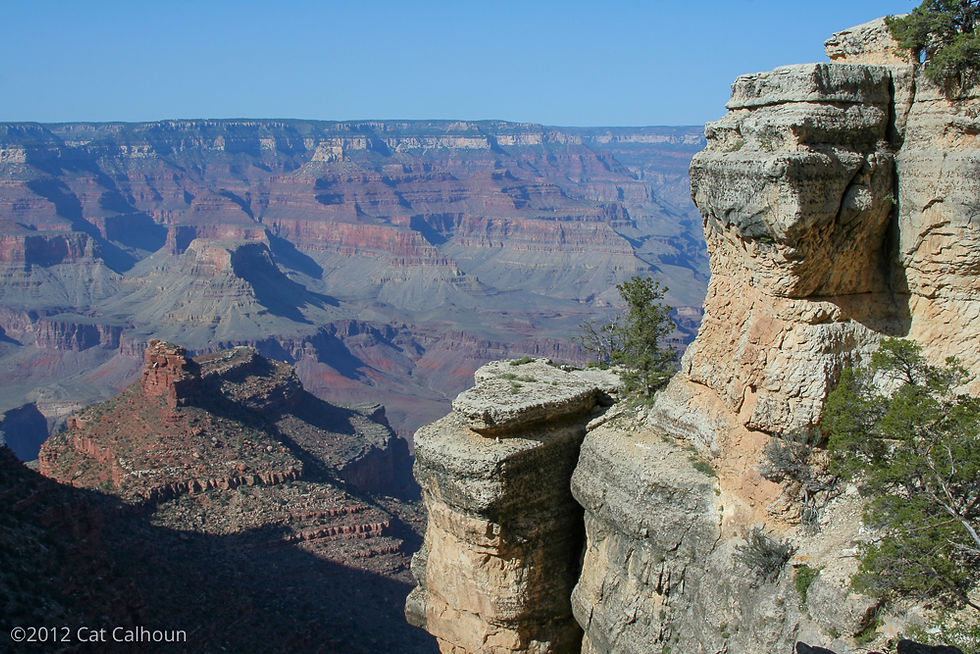


Notice the hikers on the trail and the glow of the cut through the rock.
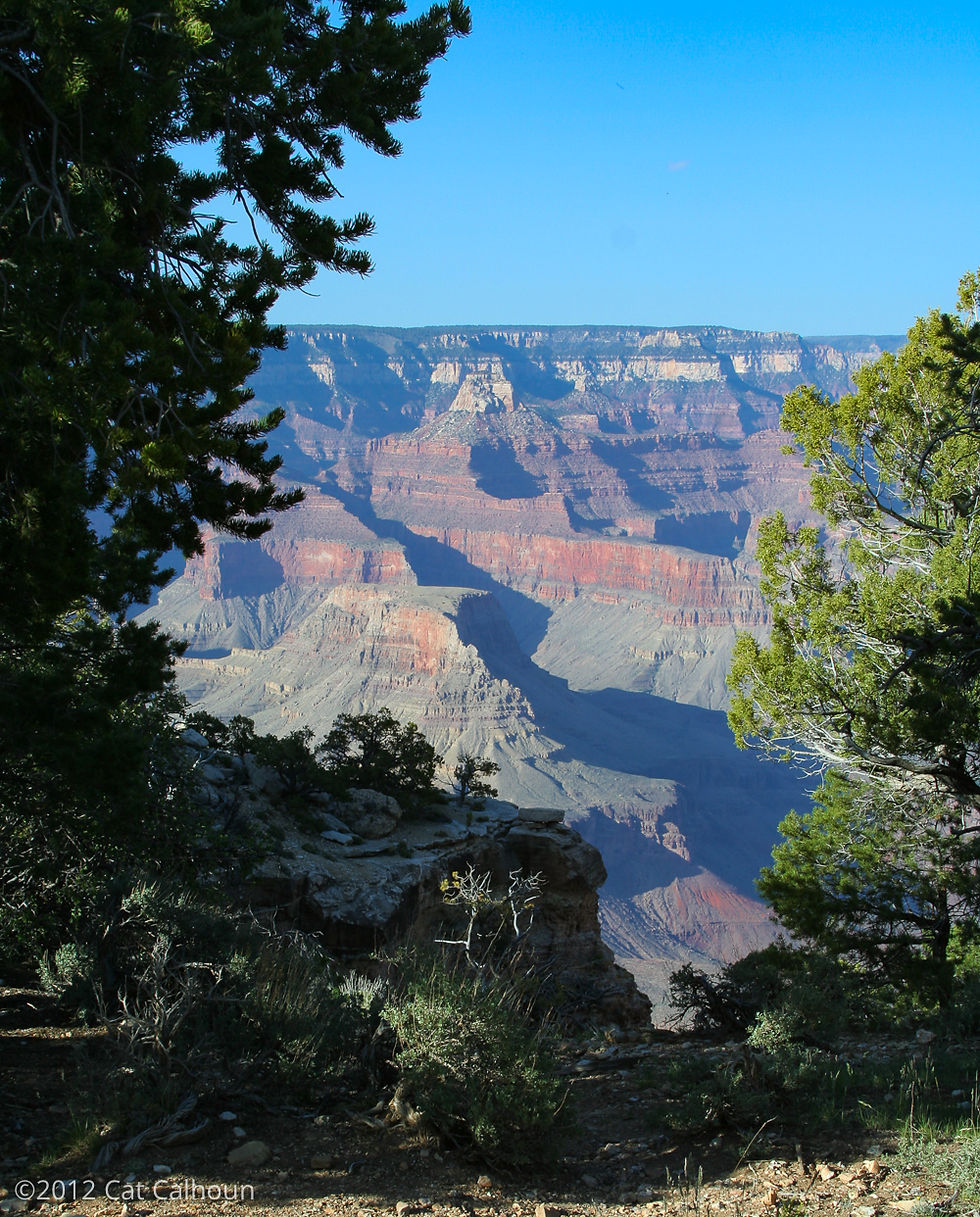


You can also shoot during the "blue hours" - those hours just before and after the golden hours where things look more blue. It gives the cold, dramatic feels to your photographs. It can make stuff look more sleepy and dreamy, cold, dramatic, lonely, thoughtful. You can do a lot with blue hour. :)

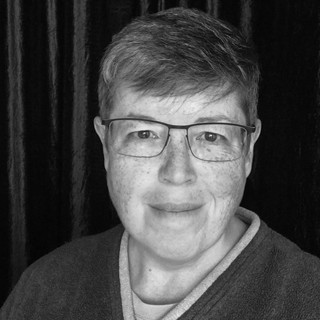
That's me! I'm also serving as an excellent example of why it's harder to get a good shot in the bright light that you get between 10am and 3pm in most locations. That's why I'm all squinty.
I end up shooting in that light a lot anyway. That's why God invented Neutral Density (ND) filters. They knock the pointy edged off of that bright light and your shots will look better. I clearly wasn't packing one this particular day.
But what about your poor human models? If you're shooting in bright light like this and you have an ND filter, you're good, but your model is still going to be squinty. What you do is put them where it looks good, have them pose and close their eyes to let their faces relax a bit. Focus your shot, give them a couple of seconds, tell them to smile, then open their eyes on the count of 3. When you hit 3, wait until your human opens her/his eyes, then quickly take the shot. Now your person looks good, they aren't squinting, and your shot looks good too.


Comments